NewPNG, JPG, WEBP → crisp vectors for Cricut and laser cutting
Turn any photo into a
clean vector
Upload a PNG, JPG, or WEBP. Get back a crisp SVG, DXF, EPS, or PDF — ready for Cricut, laser cutting, or print.
- No signup required
- 5 free credits
- All export formats included
See the difference.
Drag the slider to compare your original image with the vectorized result.
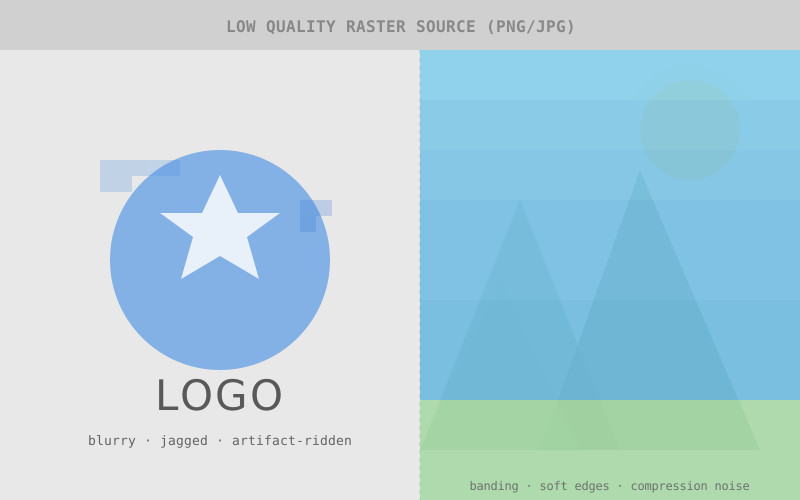
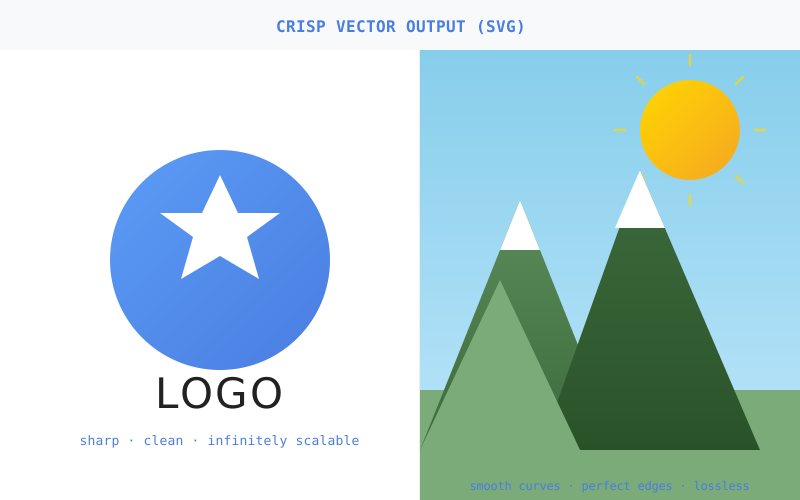
Drag the handle to compare raster vs. vector quality
From raster to vector in seconds.
Whether you need a logo for your website or a design for your Cricut, Vectorr converts any image into production-ready vectors.
Feature 1: AI Vectorization
Traces edges, shapes, and gradients into clean vector paths. Works on logos, illustrations, and photos — from simple icons to complex scenes.
Edge detection · path simplification
Feature 2: Background Removal
Strip backgrounds before vectorizing for cleaner results. One click, AI-powered. Perfect for product photos, logos, and graphics that need transparent backgrounds.
AI-powered · batch support
Feature 3: 7 Export Formats
SVG for web, DXF for CAD, EPS for print, G-code for laser cutters, DST for embroidery machines. One conversion, every format you need.
SVG · DXF · EPS · PDF · G-code · DST · AI
Better than the alternatives.
Fast, accurate tracing with all the export formats you need. No subscriptions, no bloat.
| Feature | Vectorr | Adobe Illustrator | Vector Magic | Online tools |
|---|---|---|---|---|
| AI-powered tracing | Yes | Yes | Yes | Basic |
| Background removal | Yes | Manual | No | No |
| Batch processing (50 files) | Yes | Scripted | No | No |
| Embroidery export (DST) | Yes | Plugin | No | No |
| G-code for laser/CNC | Yes | No | No | No |
| Browser-based | Yes | No | No | Yes |
Ready to vectorize?
Start with 5 free credits. No signup required to try it out.
5 free credits · All export formats · See credit pricing